
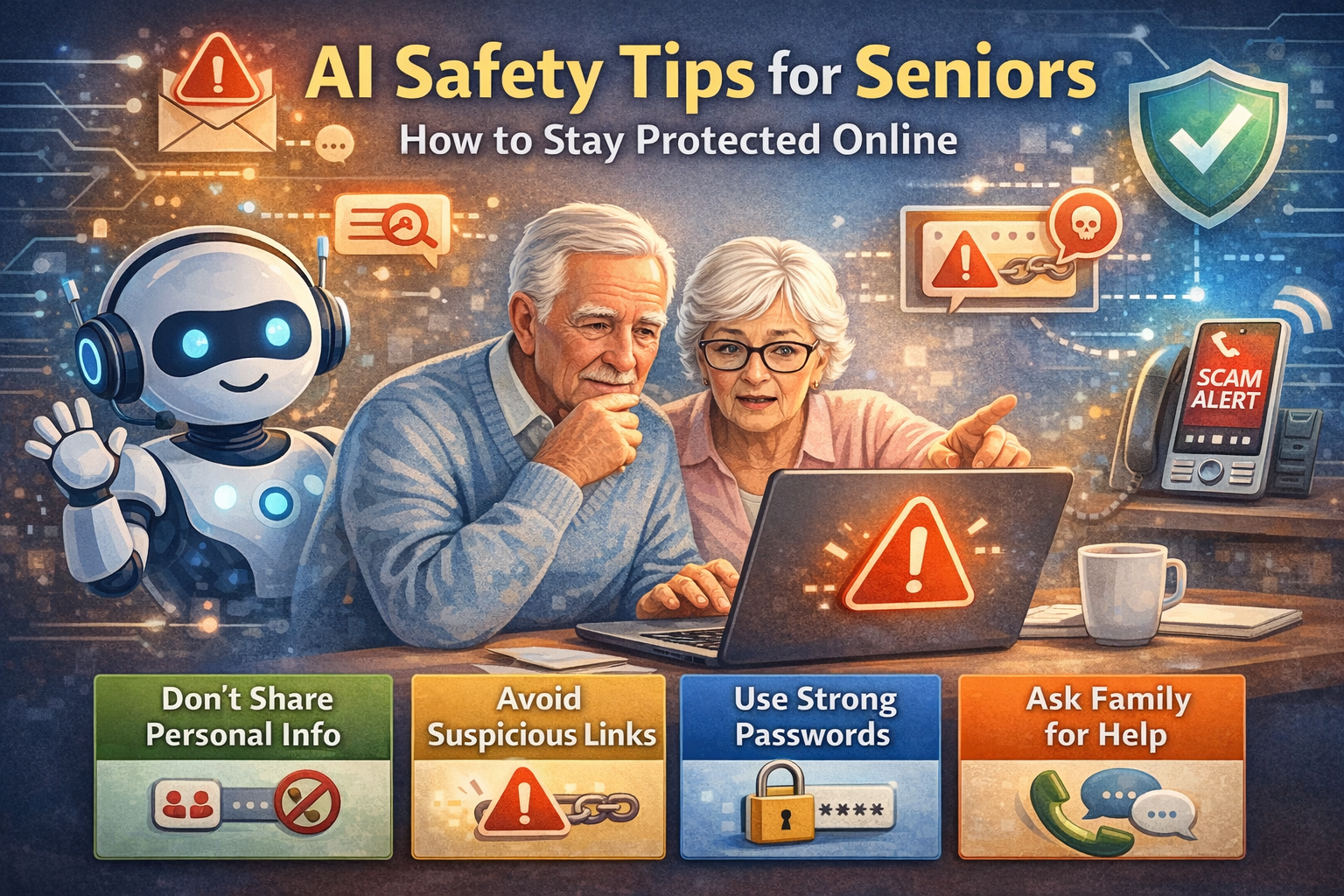
AI Safety Tips for Seniors: How to Stay Protected Online
The internet has opened up a whole new world of opportunities—especially for seniors. You can stay connected with family, learn new things, shop from home, and even use AI tools to make life easier.
But just like in the real world, there are also risks online. The good news is this: you don’t need to be a computer expert to stay safe. With a few simple habits and a little awareness, you can enjoy everything technology offers while protecting yourself.
Let’s walk through this step-by-step in a way that’s easy to understand and easy to follow.
Why Online Safety Matters for Seniors
Scammers often target seniors because they assume older adults may not be as familiar with technology. But once you understand what to look for, you can avoid most problems.
Think of online safety like locking your front door. You don’t stop living your life—you just take simple precautions to stay protected.
1. Never Share Personal Information with Strangers
One of the most important rules is this:
👉 Never give out personal information unless you are 100% sure who you’re dealing with.
This includes:
- Social Security number
- Bank account details
- Credit card numbers
- Passwords
- Home address (in suspicious situations)
Common Trick:
A scammer might pretend to be:
- A bank representative
- A government agency
- A tech support agent
They may sound very convincing.
Simple Rule:
If someone asks for personal information unexpectedly—STOP and double-check first.
2. Watch Out for Suspicious Emails and Messages
Have you ever received a message that felt “off”? Trust that feeling.
Warning Signs:
- Messages that say “URGENT” or “ACT NOW”
- Emails with strange links
- Messages from people you don’t know
- Poor spelling or unusual wording
Example:
“Your account has been locked! Click here immediately!”
👉 Don’t click the link.
What to Do Instead:
- Delete the message
- Or contact the company directly using their official website
3. Create Strong, Easy-to-Remember Passwords
Passwords protect your accounts, so they should be strong—but that doesn’t mean they have to be complicated.
Good Password Tips:
- Use a phrase instead of a single word
- Mix letters and numbers
- Avoid using your name or birthday
Example:
Instead of:
👉 john123
Try:
👉 BlueCar7Morning!
Helpful Tip:
Write your passwords down and keep them in a safe place if needed.
4. Don’t Click Links You Don’t Trust
Clicking the wrong link is one of the most common ways people get scammed.
Before You Click:
Ask yourself:
- Do I know who sent this?
- Was I expecting this message?
- Does it look suspicious?
If something feels off—it probably is.
5. Use AI to HELP You Stay Safe
Here’s the good news: AI can actually protect you.
AI Safety Features:
- Email filters that block spam
- Fraud detection alerts from banks
- Smart assistants that warn about suspicious activity
Some tools can even:
- Detect scam messages
- Alert you about risky websites
👉 AI is not just helpful—it’s your digital protector.
6. Keep Your Devices Updated
Updates may seem annoying, but they are very important.
Why Updates Matter:
They fix:
- Security issues
- Bugs and errors
- Weak points hackers might use
Simple Advice:
When your phone or computer says “Update available”—go ahead and update it.
7. Be Careful with Phone Calls from Unknown Numbers
Scammers don’t just use the internet—they also call.
Common Scam Calls:
- “You’ve won a prize!”
- “Your account has been compromised!”
- “We need your information immediately!”
What to Do:
- Don’t give out information
- Hang up if unsure
- Call the company directly if needed
8. Use Trusted Websites Only
When shopping or browsing online:
Look For:
- Websites that start with https://
- Well-known companies
- Secure payment options
Avoid:
- Websites that look poorly designed
- Deals that seem “too good to be true”
👉 If it looks suspicious, don’t risk it.
9. Talk to Family or Friends If Unsure
You don’t have to figure everything out alone.
If something doesn’t feel right:
- Ask a family member
- Call a friend
- Get a second opinion
There’s no shame in double-checking—it’s actually very smart.
10. Trust Your Instincts
This might be the most important tip of all.
If something feels:
- Strange
- Confusing
- Too good to be true
👉 It probably is.
Take your time. There’s no need to rush.
Common Scams Seniors Should Know About
Here are a few scams to watch for:
1. Tech Support Scam
Someone claims your computer has a virus and asks for access.
👉 Never allow this unless YOU contacted them first.
2. Lottery or Prize Scam
“You’ve won money!”
👉 If you didn’t enter, you didn’t win.
3. Romance Scams
Someone builds trust online, then asks for money.
👉 Be very cautious with online relationships.
How AI Will Make Safety Even Better in the Future
AI is improving every day, and it will continue to:
- Detect scams faster
- Block harmful messages
- Protect your identity
- Keep your accounts secure
This means staying safe online will become even easier.
Final Thoughts: Stay Smart, Stay Safe, Stay Confident
Technology should make your life better—not stressful.
The key is simple:
- Stay aware
- Take your time
- Use common sense
- Ask for help when needed
Remember:
👉 You are in control.
👉 You can learn this.
👉 You can stay safe.
And the best part?
You can enjoy everything AI and the internet have to offer—without fear.